AI Undress
Trending templates
Pick a card, upload your photo, get the scene in one click.
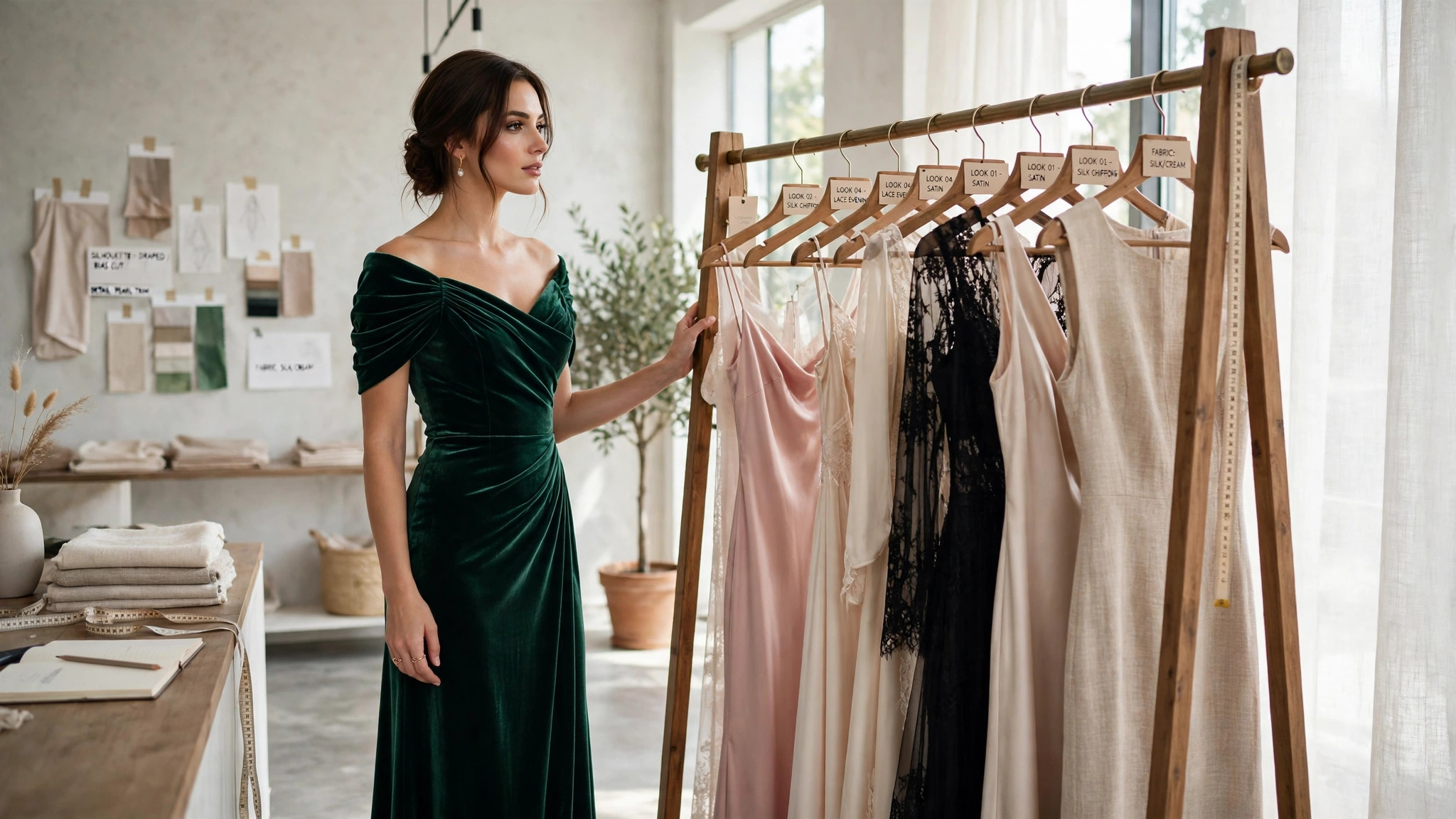
PromptChan's AI Undress transforms outfits in your photos with striking physical realism. Upload a picture — your own portrait or an AI-generated character — and the tool reconstructs the clothing: fabric, folds, and fit, rendered so it reads as a photograph that was always that way.
This is the tool for bringing adult scenarios to life. A favorite portrait becomes a lingerie editorial; a character you generated becomes the lead in your own roleplay scene. The model preserves the pose, the lighting direction, skin texture, and the entire background — only the outfit changes, so the fantasy stays grounded in a believable photograph.
Under the hood it's a reconstruction problem, not a filter. The tool reasons about how cloth drapes over the body — where fabric stretches, folds, or catches shadow — and renders accordingly. That's why a sharp, well-lit source photo produces dramatically better results than a blurry snapshot: the model can only work with the geometry and light it can actually see.
The workflow is short. Pick a photo you own or an AI-generated image you created, confirm the detected garment regions, and generate — most transformations finish in under a minute. If a strap shadow looks off or a neckline sits wrong, the AI Image Editor makes a natural follow-up pass.
The rules are simple and non-negotiable: use it only on your own photos, photos you have explicit permission to edit, or AI-generated images. Never on real people without their consent — violations mean a permanent ban. Strictly 18+, always.
Practical terms: 21 credits per image, automatic refunds on failed jobs, everything private by default with uploads deleted automatically 24 hours after upload. Nothing hits a public feed, and your photos are never used to train models.
Physically-plausible outfit reconstruction
Fabric weight, folds, stretch lines, and cast shadows are rebuilt to match the body's pose and the scene's lighting — not erased, but re-rendered as if the photo was always this way. Close-ups hold up because the model reasons about drape and tension, not just texture.
Pose, lighting, and background preserved
Face, posture, light direction, and every pixel outside the garment regions stay consistent with your source. The result looks like a real photograph of the scene — not a composite where the lighting suddenly stops making sense.
Automatic garment detection
The tool finds clothing regions on its own and shows you the selection before you spend credits. Confirm or adjust — no surprises about what gets transformed.
High-resolution, zoom-safe output
Results render sharp enough for full-screen viewing. Inspect at 100% zoom: on a good source photo, garment edges blend cleanly into skin and background with no halo artifacts.
Private pipeline, always
No public feed, no gallery, no social features. Uploads auto-delete 24 hours after upload, results are never used for training, and everything stays in your private library.
Built for your AI-generated characters
Generate a character with PromptChan's image tools, then transform the outfit here — same credit wallet, same private library, minutes from idea to finished scene.
Simple per-image pricing
21 credits per transformation, bought in packs on the pricing page. Failed jobs refund automatically within seconds — you never pay for an image you didn't receive.
Choose your source
Use your own photo or an AI-generated image you created — high-resolution, front-facing, evenly lit, simple background. Sharp inputs produce sharp results; blurry snapshots produce guesswork. Never upload a real person without their explicit consent.
Upload and confirm the outfit regions
The tool auto-detects garments — review the selection and trim anything it shouldn't touch, like jewelry or bag straps. Two minutes here saves a wasted generation.
Generate the transformation
One click starts the job; most finish in under a minute. You can leave the page — the result waits in your private library. Failed jobs refund your 21 credits automatically.
Inspect at full zoom
Check garment edges, folds, and shadows at 100%. Good results read as continuous with the original light. If something's off, regenerate from the same source — it's cheaper than fixing a bad render.
Refine with the Image Editor
For small fixes — a thinner strap, a higher hemline, a different neckline — send the result to the AI Image Editor for a targeted 49-credit pass instead of rerunning the whole transformation.
Keep it private
Download the high-resolution result or keep it in your private library. Originals and results stay where only you can access them.
Custom adult scenarios, brought to life
Turn a favorite portrait or a generated character into the exact scene in your head — a lingerie editorial, a late-night rendezvous look, a fantasy costume. Your source photo sets the vibe; the tool renders the outfit to match.
Personalized intimate content
Restyle your own photos into looks you've always wanted to try — boudoir styling, vintage pin-up, bold editorial — without a studio, a stylist, or anyone else in the room. Your photos, your rules, your private library.
Adult roleplay visuals
Building a roleplay scenario? Transform the same character through multiple costume looks — the nurse, the executive, the stranger at the bar — and keep the face and setting consistent across the whole story.
Restyle your AI-generated characters
Generated the perfect model but the outfit kills the mood? Transform it here in under a minute and keep the face, pose, and background you already approved.
Couples' private play
Partners can restyle their own photos together — preview looks, build a private collection, keep it between the two of you. Everything stays private by default; nothing is ever published.
Series and story consistency
Creating a multi-image adult series? Transform outfits across frames while the model preserves pose, lighting, and background — the same character, new looks, one coherent story.
Frequently asked questions
How much does AI Undress cost?
Each transformation costs 21 credits. Credits are bought in packs on the pricing page, and there are no subscriptions — you pay per image, only when you generate.
Do my credits expire?
Yes. Each credit purchase expires 30 days after purchase. Use them before they expire.
Can I use it on anyone's photo?
No. Use this tool only on photos you own or have explicit permission to edit, plus AI-generated images you created. Uploading a real person's photo without their consent violates our terms and leads to a permanent account ban — no warnings, no appeals. When in doubt, don't upload it.
Are my uploads private?
Yes. All uploads and results are private by default — nothing is published to a public feed or gallery. Source uploads are deleted automatically 24 hours after upload, and your images are never used to train models.
What happens if the transformation fails?
Your 21 credits are refunded automatically within seconds, with no action needed on your part. A failure usually means the source photo was too blurry, too dark, or the pose was too unusual — try a clearer photo before generating again.
Is there an age restriction?
Yes, strictly 18+. Every account holder must confirm adulthood before using any generation tool on PromptChan, and this tool is unavailable to minors under any circumstance.
What photos give the best results?
High-resolution, front-facing photos with even lighting and simple backgrounds. The model reconstructs clothing from the body geometry and light it can see, so clear, well-lit sources produce dramatically better results than blurry or cluttered ones. Studio-style portraits are ideal; dark party candids are not.
Can I use an AI-generated image as the source?
Absolutely — it's one of the best use cases. Images you generated on PromptChan (or elsewhere) work well because they're usually clean, well-lit, and high-resolution. Transform the outfit and keep the face, pose, and composition you already like.
How long does a transformation take?
Most complete in well under a minute. You'll see a progress indicator while it runs, and the result waits in your private library when it's done — no need to keep the page open.
The result looks slightly off — what should I do?
First, check your source photo: most artifacts trace back to blurry inputs or confusing backgrounds. If the source is good, regenerate once — results vary slightly between runs. For a specific flaw like a misplaced seam, send the result to the AI Image Editor for a targeted fix instead of burning more transformations.
Reimagine any outfit
Upload a photo you own and see the transformation in under a minute — 21 credits, private by default, refunded if it fails.
Pricing