AI Porn Video Generator
Trending templates
Pick a card, upload your photo, get the scene in one click.
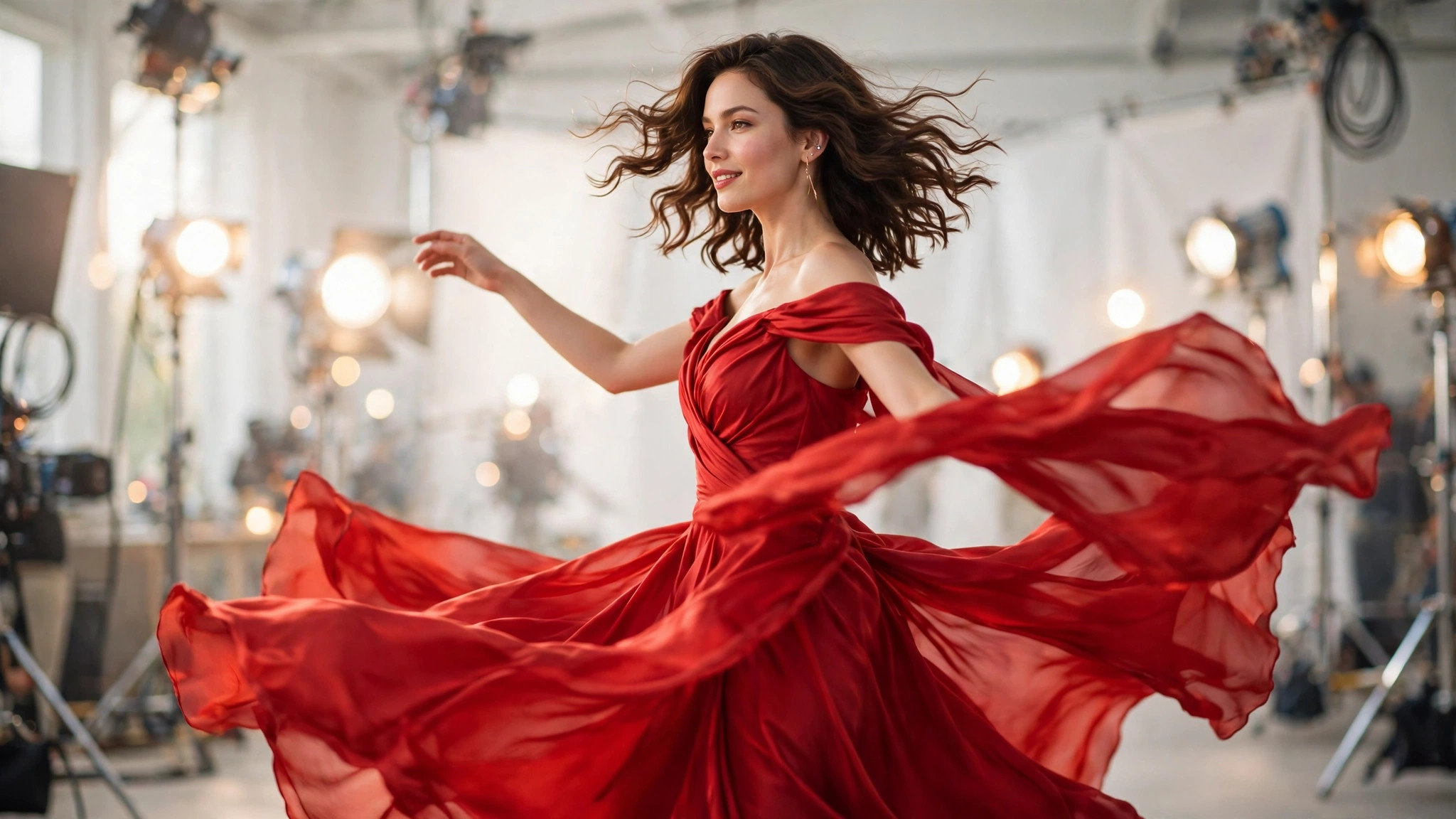
A great still image is only half the story. PromptChan's AI Porn Video Generator takes a photo — yours or AI-generated — and animates it into a smooth 5-second video clip, with motion you direct through a short text prompt. This is image-to-video: the composition and the person come from your start frame, and the model adds time.
Motion prompts are written in verbs, not nouns. "She slowly turns toward the camera, hair lifting in the breeze, camera drifting in" tells the model what happens across time; describing the room again does nothing — the frame already exists. Keep it to one main action per clip: five seconds is short, and two complex actions in one render come out muddy.
The subject stays recognizably the person in your start image — no morphing faces, no drifting features mid-clip. Before rendering, an identity check verifies the starting frame matches your uploaded photo: the job is retried once automatically if it doesn't, then refunded in full if it still fails. You never pay for a video that lost its subject.
At 351 credits per video, this is the premium format on the site, and the smart workflow treats it that way. Generate stills in the image generator for 6 credits a pop, iterate until you love one, and only then animate the winner. Never spend video money on a still you don't love.
Five seconds rewards specificity. A slow turn, a glance, a shift of weight, hair responding to wind — one clear gesture reads as cinema, while a vague "she moves seductively" reads as generic swaying. An 8-second option exists for slower camera moves, with the exact price shown before you confirm.
Like everything on PromptChan, videos are private by default and never listed publicly. Your uploaded start images are deleted automatically 24 hours after upload, and the finished clip downloads as an HD mp4 in 720p, ready to keep or share on your terms.
Identity-preserving motion
The person in your video stays recognizably the same person as your source image — no morphing faces or drifting features mid-clip. The model animates around your subject's identity instead of re-dreaming it frame by frame.
You direct the movement
A short motion prompt controls the action: a slow turn, a glance at the camera, wind in her hair. Verbs beat nouns here — describe what happens across time, not what's already in the frame. Vague prompts get generic swaying; specific ones get cinema.
5-second standard, 8-second option
Every video starts as a crisp 5-second clip — the sweet spot for a single gesture or glance. Longer 8-second renders are available for slow camera drifts, with the exact price shown before you confirm so there are no surprises.
720p HD mp4 output
Finished clips download as high-definition mp4 files at 720p, ready to watch, keep, or share privately. The format plays everywhere with no conversion needed.
Widescreen or vertical framing
Choose 16:9 widescreen for a cinematic feel or 9:16 vertical for phone screens — intimate, full-frame, and made for mobile viewing. Pick the framing that matches where you'll actually watch it.
Reference-frame safety net
An identity check runs before rendering: if the starting frame doesn't match your uploaded photo, the job is retried once automatically, then refunded in full if it still fails. With 351 credits per render, this guardrail means you never pay for a video that lost its subject.
Private by default
Your videos are never listed publicly and never appear in any feed unless you choose to share them. Uploaded start images are deleted automatically 24 hours after upload.
Price confirmed up front
The exact credit cost is shown before you confirm every render — no hidden fees, no surprise charges. Failed jobs refund automatically and in full, every time.
Start with the right frame
Use a clear, front-facing image with the face plainly visible — PromptChan-generated stills or your own photos both work. Gotcha: if the face fills the entire frame edge-to-edge, the identity check can fail to detect it. Pick a frame where the face is clear but not cropped against the edges.
Write the motion prompt in English
One or two sentences, verbs first: "she slowly turns toward the camera, hair moving in the breeze." Add a camera move if you want one — "camera slowly pushes in" — but keep the whole prompt simple and physical.
One action per clip
Five seconds is short. A single gesture — a turn, a glance, a shift of weight — renders cleanly; two complex actions in one prompt come out muddy. Gotcha: describing the scene again wastes words, since the frame already exists. Spend your words on movement.
Set duration and framing
Choose 5 seconds for a gesture or glance, 8 seconds for a slow camera drift. Pick 16:9 widescreen for cinematic viewing or 9:16 vertical for phone. The exact price is shown before you confirm.
Render and review
Rendering takes a few minutes — queue it and come back. Watch the finished mp4 at full size before deciding: motion artifacts are easiest to spot when you're not squinting at a thumbnail.
If it fails, change the frame
The identity check retries once automatically, then refunds in full — you never pay for a failed video. Don't just rerun the same frame; swap to a clearer start image with a well-lit, front-facing subject and try again.
She comes alive
Take the still you can't stop looking at and make her move — a slow blink, a turn of the head, hair catching the wind. One subtle motion turns a favorite image into something that feels present.
Intimate animated moments
A slow turn toward the camera, a lingering glance, a shift of weight. Five seconds of directed motion creates the kind of personal, intimate clip no stock site will ever have.
Vertical clips for private viewing
Render 9:16 clips sized for phone screens — intimate, full-frame, and made for the way you actually watch. The format fills the screen with no black bars.
Preview a fantasy in motion
Before you go deeper on an idea — a scenario, a character, a whole storyline — animate one frame and see if the fantasy breathes. Five seconds of motion answers questions a still never can.
Roleplay scenes in motion
Your roleplay character doesn't have to stay frozen. Animate them into a scene — entering the room, turning to face you — and watch your scenario play out instead of just imagining it.
Animate your illustrated fantasies
Anime, comic, or painterly stills all carry into video. Bring your illustrated fantasies to life and see how the style reads in motion before building a whole set around it.
Frequently asked questions
How much does AI video generation cost?
Each video costs 351 credits for a 5-second 720p clip. Longer 8-second renders cost more — the exact price is shown before you confirm, so there are never surprises. Failed jobs are refunded automatically and in full.
Do credits expire?
Yes. Each credit purchase expires 30 days after purchase. Use them before they expire.
Will the person in the video look like my uploaded photo?
Yes — that's the point of the tool. An identity check verifies the starting frame matches your uploaded photo before rendering, so the subject stays recognizably the same person through the whole clip. If the check fails, the job is retried once automatically, then refunded in full if it still fails.
Are my videos private?
Completely. Videos are private by default, never listed publicly, and never appear in any feed unless you choose to share them. Your uploaded start images are deleted automatically 24 hours after upload.
What happens if my video generation fails?
Failed video jobs are refunded in full automatically. With 351 credits per render, we made sure you never pay for a clip you didn't get — no support ticket needed, the credits return to your balance on their own.
Is there an age restriction?
Yes, strictly 18+. You must confirm you are an adult to create an account and use any generation tool on PromptChan. There are no exceptions, and accounts found to be underage are removed.
How do I write a good motion prompt?
Write in English, lead with verbs, and describe one main action: "she slowly turns toward the camera, hair moving in the breeze." Verbs describe time; nouns describe the frame, which already exists. Keep it simple and physical — one gesture per 5-second clip renders far better than two.
Why did my video fail?
The most common cause is the identity check: the starting frame's face was too cropped, too dark, or too small to verify against your uploaded photo. The job retries once automatically, then refunds in full. The fix is on your side — pick a clearer, well-lit, front-facing start frame and try again.
What start images work best?
Clear, front-facing subjects with the face plainly visible and decent lighting. Stills you generated on PromptChan work perfectly, since they're already clean and high-quality. Avoid extreme close-ups where the face touches the frame edges, and avoid tiny or heavily shadowed faces.
Can I animate a photo of someone else?
Only upload images you own or have the right to use. The identity check exists to keep your start frame and output consistent, and all generations must follow the platform's content policy. When in doubt, animate images you generated yourself.