AI Image Upscaler
Trending templates
Pick a card, upload your photo, get the scene in one click.
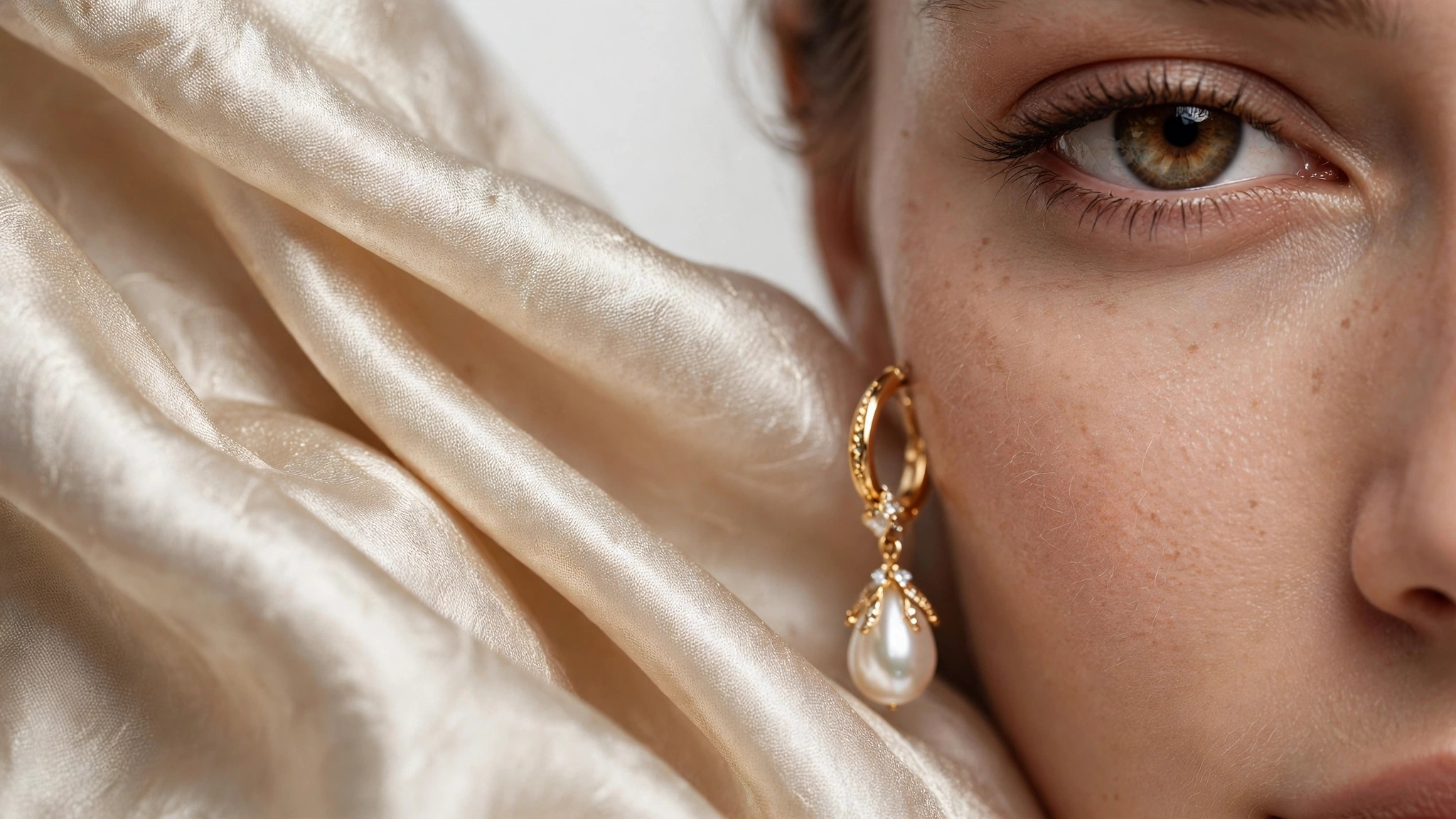
PromptChan’s AI Image Upscaler rebuilds small, soft, or compressed images at up to 4x resolution — and the key word is rebuilds. Instead of stretching pixels the way basic resizing does, the model reconstructs edges, textures, and fine detail from what it can see in the original, so the result is genuinely sharper, not just bigger.
The difference is easiest to see at 100% zoom on adult imagery. A traditionally upscaled render smears hair into mush and turns lingerie lace into flat gradients; the AI version re-draws strands, re-knits texture, and cleans the JPEG blockiness and noise that make compressed images look tired. Old saves and early AI generations get a real second life.
This is the ideal finishing step for anything you generate on the platform. Generate fast at lower cost, pick your favorites, and upscale only the keepers — you get gallery-quality adult finals without paying generation prices for every draft. It works on real photos and screenshots too, not just AI output.
Honest limits: it cannot fix what was never there. Garbage in, garbage out — a fundamentally broken composition, mangled anatomy, or a face that’s a twelve-pixel smear won’t become a masterpiece at 4x. What it does brilliantly is recover the detail your image almost has: softness, compression damage, and small-size blur.
At 6 credits per image it’s the cheapest tool on PromptChan, cheap enough to run a whole back catalog of adult renders through in one sitting. Pick 2x for everyday use and social posts, 4x for prints and close inspection.
Everything stays private by default, uploads auto-delete 24 hours after upload, and failed upscales refund automatically. Strictly 18+.
True detail reconstruction
The model was trained on how real detail looks, so it rebuilds edges, textures, and fine structure from the low-res original instead of interpolating between pixels. Hair, fabric weave, lace, and skin texture come back with real definition rather than smoothed-over blur — exactly the details that make or break adult imagery.
Compression artifact cleanup
JPEG blocks, banding, and sensor noise are identified and cleaned during the upscale pass, not preserved and magnified. Heavily compressed downloads and old saves come out looking fresh instead of like enlarged thumbnails.
2x and 4x scale options
Choose 2x for everyday sharpness — social posts, thumbnails, screen viewing — or 4x when the image needs to survive close inspection or print. The model picks its reconstruction strategy per scale, so 4x isn’t just 2x run twice.
Dedicated face and skin passes
Faces get special treatment: the upscaler runs a dedicated enhancement pass on facial features and skin texture, the areas where sloppy upscaling is most obvious. Eyes stay crisp, skin keeps natural texture instead of going waxy — no plastic look on intimate close-ups.
Faithful to the original
Upscaling doesn’t restyle, recolor, or reinterpret your image — composition, colors, pose, and character stay exactly as they were, just sharper. The output is your render, enhanced, not a new image inspired by it.
Works on any image source
AI adult generations, phone photos, screenshots, scans, compressed downloads — if it’s a valid image, it upscales. It’s the same engine whether the pixels came from a camera or a model, so your whole library can go through one pipeline.
Batch-friendly pricing
At 6 credits per image it’s the cheapest tool on the platform by a wide margin. Running your entire back catalog — hundreds of adult renders — costs less than a handful of generations, so there’s no reason to ration it.
Private with automatic refunds
Upscales are private by default and never published, uploads delete themselves 24 hours after upload, and if an upscale fails the 6 credits come straight back to your balance.
Pick renders worth upscaling
Start with adult images that are soft, small, or compressed but fundamentally sound. If the composition and anatomy are solid, the upscaler will make them shine; if the underlying render is broken, 4x just gives you a sharper view of the breakage. Be honest at this step and you’ll never be disappointed.
Upload your image
Drop in any adult render, photo, or screenshot. Uploads are private by default and auto-deleted after 24 hours — nothing lingers on the server.
Choose 2x or 4x
2x is the sweet spot for screens, social posts, and thumbnails — it doubles detail without inventing anything risky. Go 4x for prints, wallpapers, or images people will zoom into. Bigger isn’t always better: on already-soft originals, 4x can reveal flaws 2x would politely leave alone.
Run the upscale
One click starts the reconstruction — 6 credits per image, refunded automatically if it fails. Processing usually takes seconds to a minute depending on source size.
Inspect at 100% before you call it done
Zoom in and check faces, hands, and intimate details — the places where any upscaler can stumble and where your audience will look first. Faces and skin should look natural, not waxy; if something looks over-smoothed, the original was probably too far gone for that scale, and 2x may serve it better.
Make it your last step
Upscale after all other edits — face swaps, crops, color work — because every edit after an upscale throws away resolution you just paid for. The pro workflow: generate, pick keepers, edit, then upscale the finals once.
Polish your best adult generations
Generate at draft cost, pick the winners, and upscale only those. You get poster-quality finals of your hottest renders without paying premium generation prices for every experiment.
Rescue older adult AI renders
Early generations from your back catalog — smaller, softer, from older models — come back crisp and detailed. Your favorite old pieces stop looking dated next to your new work.
Print-ready adult art
A 1024px generation won’t survive a poster print as-is. 4x brings adult artwork into a resolution range where prints look clean, sharp, and worth framing.
HD wallpapers of favorite renders
Turn your best generations into 4K desktop and phone wallpapers that stay sharp edge to edge. The renders you love deserve better than a blurry stretched background.
Upgrade an adult creator catalog
Thumbnails, previews, and gallery images from earlier in your catalog can all be brought up to current quality standards in one batch session — 6 credits each makes a hundred-image refresh trivially cheap, and consistent quality sells.
Restore compressed adult archives
Old saves, archived downloads, and images that survived years of recompression get detail reconstruction and artifact cleanup in one pass. Your personal collection gets a full quality restoration.
Frequently asked questions
How much does the AI Image Upscaler cost?
Each upscale costs 6 credits per image — the cheapest tool on PromptChan. Credits come in packs on the pricing page, and failed upscales refund automatically, so you only pay when you get a result.
What images benefit most from upscaling?
Small, soft, or compressed adult images: older AI generations, early renders, screenshots, and anything that’s been through messaging-app recompression. The upscaler recovers detail and cleans artifacts far beyond what traditional resizing can do — it’s night and day on JPEG-heavy sources.
How large will my upscaled image be?
You choose 2x or 4x the original dimensions. A 1024px-wide image becomes roughly 2048px or 4096px wide, delivered as a high-quality file ready for screens, wallpapers, or print. Aspect ratio is always preserved.
Should I pick 2x or 4x?
2x for screens, social posts, and thumbnails — it’s the safer choice on soft originals. Go 4x for prints, wallpapers, or images people will zoom into. On already-soft images 4x can expose flaws rather than fix them; if 4x looks overworked, 2x is the better choice for that image.
Can it fix bad anatomy or broken renders?
No — garbage in, garbage out. If the anatomy is broken, the composition is wrong, or a face is a twelve-pixel smear, upscaling gives you a sharper version of the same problem. Fix the source first or regenerate, then upscale the good version.
How does it handle faces, hands, and intimate detail?
Faces get a dedicated enhancement pass and usually come out crisp and natural. Tiny hands and fine intimate detail are the hardest parts of any image for an upscaler and may stay imperfect — always inspect at 100% zoom before printing or publishing.
Are my images private?
Yes. Upscales are private by default and never published to any public feed. Your uploaded images are deleted automatically 24 hours after upload, and nothing you upscale is used for training. Your library is visible only to you.
What happens if an upscale fails?
The 6 credits return to your balance automatically — no ticket, no waiting. Failures are uncommon; most issues are images the tool declines to process, and those cost you nothing. You can retry immediately.
Is there an age restriction?
Yes, strictly 18+. You must confirm you are an adult to use any generation tool on PromptChan, including the Image Upscaler. Accounts found to be underage are closed.
Do credits expire?
Yes. Each credit purchase expires 30 days after purchase. Use them before they expire.