AI Image Editor
Trending templates
Pick a card, upload your photo, get the scene in one click.
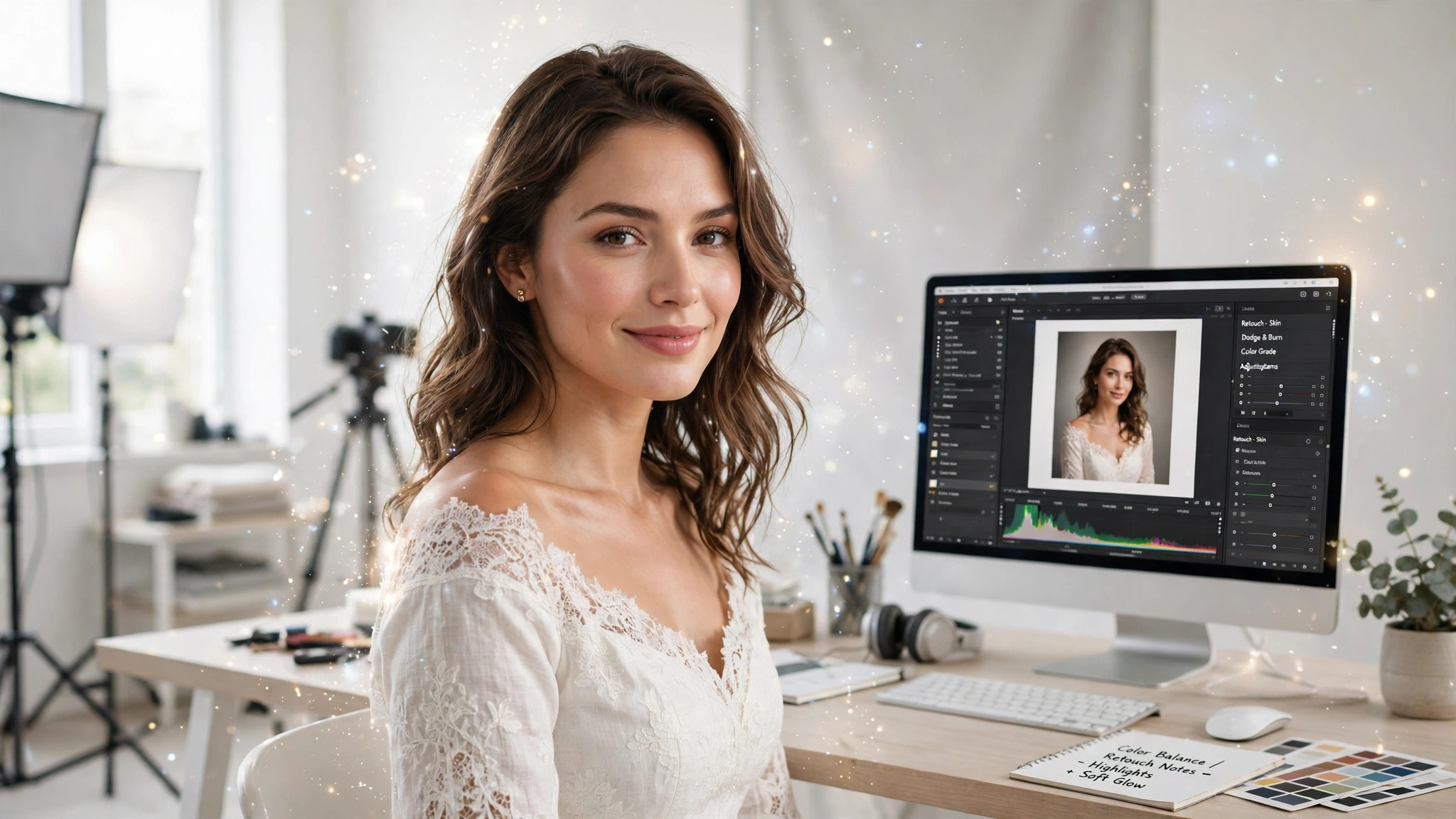
PromptChan's AI Image Editor performs surgical edits with words — built for adult content. Describe the change: a different outfit, a new setting, warmer light, one detail fixed — and the model applies it to exactly that part of the image, leaving everything else untouched.
This is the tool for the 'almost perfect' generation. The composition is right, her face is perfect, the pose is exactly what you wanted — but the outfit is wrong, or a stray object ruins the frame. Regenerating from scratch gambles away what already worked. Editing keeps the 95% that's right and fixes the 5% that isn't.
The workflow rewards precision over volume. One clear instruction per pass — 'change her dress to black lingerie, keep the same pose' — beats a paragraph of simultaneous changes. Stack passes instead: outfit first, then setting, then lighting. Each pass builds on the last, and because every edit is localized, earlier passes don't degrade.
Under the hood it's an inpainting-class model: it re-renders only the region your instruction targets, then blends edges, shadows, grain, and perspective so the seam disappears. That is also the honest limit — ask for a wholesale scene rebuild in a single instruction and you'll get mush. Big changes work when you break them into sequential, verifiable steps.
It slots in after generation and before your private collection. Generate your model, restyle the outfit with Undress if needed, then finish here: fix the necklace, swap the backdrop, warm the light. The same one-sentence mechanics work on your own real photos too.
Pricing is per deliberate edit: 49 credits each, with automatic refunds on failures. Edits are private by default, uploads auto-delete after 24 hours, and nothing you edit is used for training. Describe precisely, iterate in passes, and watch a good image become exactly the one you wanted.
Natural-language editing, no masks
No lasso tools, no layer masks, no Photoshop vocabulary. Write 'remove the man in the background' or 'give her a silk robe' and the model finds the target itself. If you can describe it to a friend, you can instruct the editor.
Localized changes with invisible seams
Only the region your instruction names gets re-rendered; the rest of the pixels are untouched. Edges are blended with matched grain, noise, and shadow direction, so the edit reads as part of the original photograph at full zoom.
Identity lock for series work
Faces, body, poses, and framing stay consistent unless your instruction explicitly targets them. That's what makes the editor safe for adult series — the same model, ten different scenes, one recognizable face all the way through.
Stackable edit passes
Each edit starts from the previous result, so you can chain refinements: change the outfit, then the setting, then the lighting, reviewing each step. Small, verifiable steps compound into transformations a single giant instruction could never land.
Works on uploads and your generations
Start from any photo you upload or any image you've generated on PromptChan — the editor treats both the same. It's the natural finishing step after the image generator or the Undress tool, inside one credit wallet and one private library.
One change per instruction
The editor is most reliable when each instruction names one change: what, where, and how it should look. 'Turn the bedroom into a candle-lit suite, keep her exactly as she is' will outperform three changes crammed into one sentence — and a failed pass refunds automatically, so a split-up workflow costs you nothing extra when something misses.
Per-edit pricing with refunds
49 credits per edit, bought in packs on the pricing page — priced for deliberate refinement, not blind experimentation. Failed edits refund automatically within seconds, so iterating in passes is economically safe.
Pick your starting image
Upload your own photo or open any image you've generated on PromptChan. Higher resolution and cleaner composition give the editor more to work with — it edits pixels, it can't invent detail that was never there.
Write one clear instruction
Name the change like you're briefing a designer: what changes, where, and what it should look like. 'Change her dress to black lingerie' works; 'make it hotter' doesn't. Reference the existing image rather than describing from scratch.
Run the edit
Submit and wait — most edits complete in under a minute, with a progress indicator. You don't need to keep the page open; the result lands in your private library. If the job fails, your 49 credits come back automatically.
Compare at full size
Open the edit next to the original at 100% zoom. Check the edited region's edges, shadows, and color temperature against the untouched areas. Good edits are invisible; if you can spot the seam, refine the wording and run it again.
Stack the next pass
Outfit's perfect but now the setting feels flat? Run a second instruction on the edited result: 'move her to a beach at sunset, keep her and the outfit identical.' Each pass compounds toward your vision without touching what already works.
Know when to stop
Three to four passes is the sweet spot for most images. Beyond that, repeated re-rendering can soften fine detail. If you're on pass six chasing perfection, generate a fresh base and edit once — it's cheaper and sharper.
Fix flawed adult generations
The scene is perfect except for the mangled bracelet, the warped hand, or the garbled detail in the corner. Describe the fix in one sentence instead of rerolling the generation and losing the face and pose you loved.
Outfit swaps for your scenarios
Keep the model, the pose, and the lighting — change only the clothing. One base image becomes a whole wardrobe of scenes: lingerie, evening wear, fantasy costume, each a single sentence away.
Change the setting and the mood
Move her from a bedroom to a rooftop at golden hour, or turn flat daylight into candle-lit intimacy. Describe the target atmosphere; the editor rebuilds the environment around the untouched subject.
Consistent adult series
Building a multi-image series with the same model? Lock her face with one base image, then edit outfits, settings, and moods per frame. The identity lock keeps her recognizable across the entire set.
Enhance your own intimate photos
Your own photos, your rules: warm up the light, remove a distracting object from the background, tighten the framing feel. One sentence per fix, on photos you own — always consensual, always private.
Roleplay scene building
Direct your own scenes: same character, new location, new costume, new lighting — frame by frame. Stack passes to build a full roleplay sequence without regenerating the character from scratch every time.
Frequently asked questions
How much does the AI Image Editor cost?
Each edit costs 49 credits. Credits come in packs on the pricing page, and you pay per edit — no subscription, no per-seat anything. It's priced for deliberate refinement rather than bulk experimentation.
Do my credits expire?
Yes. Each credit purchase expires 30 days after purchase. Use them before they expire.
How do I write a good edit instruction?
Name three things: what changes, where it is, and what it should look like. 'Change her dress to black lingerie, keep the pose and setting identical' is ideal. Reference the existing image rather than describing from scratch, and keep it to one change per instruction — stacked single-change passes beat one overloaded sentence.
Are my edited images private?
Yes. Edits are private by default and never published to any public feed. Your uploaded originals are deleted automatically 24 hours after upload, and nothing you edit is used for model training.
Will it keep the rest of my photo intact?
Yes — that's the core promise. The model re-renders only the region your instruction targets and leaves faces, poses, settings, and framing untouched unless you explicitly ask it to change them. Check the result at full zoom; good edits are seamless.
What happens if an edit fails or looks wrong?
Failed jobs refund your 49 credits automatically within seconds. If the edit completes but looks wrong, don't pay to rerun the same instruction — reword it first. Vague instructions ('make it hotter') are the most common cause of bad edits; specific ones ('remove the lamp behind her, keep everything else') rarely miss twice.
Is there an age restriction?
Yes, strictly 18+. You must confirm adulthood to use any generation or editing tool on PromptChan, and minors are blocked from these tools entirely.
Can I stack multiple edits on one image?
Yes, and you should — that's the intended workflow. Each edit starts from the previous result, so chain them: outfit first, then setting, then lighting. Three to four passes is the sweet spot; beyond that, repeated re-rendering can soften fine detail.
Can I edit real photos, or only AI-generated images?
Both — as long as they're yours or you have explicit permission to edit them. Upload any photo you own, or start from an image you generated on PromptChan. Never upload a real person without their consent; violations lead to a permanent ban.
What kinds of edits work best — and what should I avoid?
Best: single, clearly-located changes — swap an outfit, replace a setting, remove an object, change the lighting mood. Avoid: rebuilding the entire scene in one instruction, asking for precise text or logos (these still garble), or requesting changes to tiny low-resolution regions. Big ambitions work fine when you break them into sequential passes.
Edit any image with words
Describe the change in one sentence — PromptChan's editor applies it in under a minute. 49 credits per edit, private by default, refunded on failure.
Pricing